What are Incident Intake Webforms?

Incident Intake Webforms are online data capture tools that allow organizations to report incidents from any smart device, at any time. They eliminate the need for manual, in-house data entry by capturing information at the source, ensuring that details such as location, time, description, and supporting documentation are recorded accurately and consistently. By making incident data instantly available, organizations can improve reporting seed, data quality, and overall risk visibility.
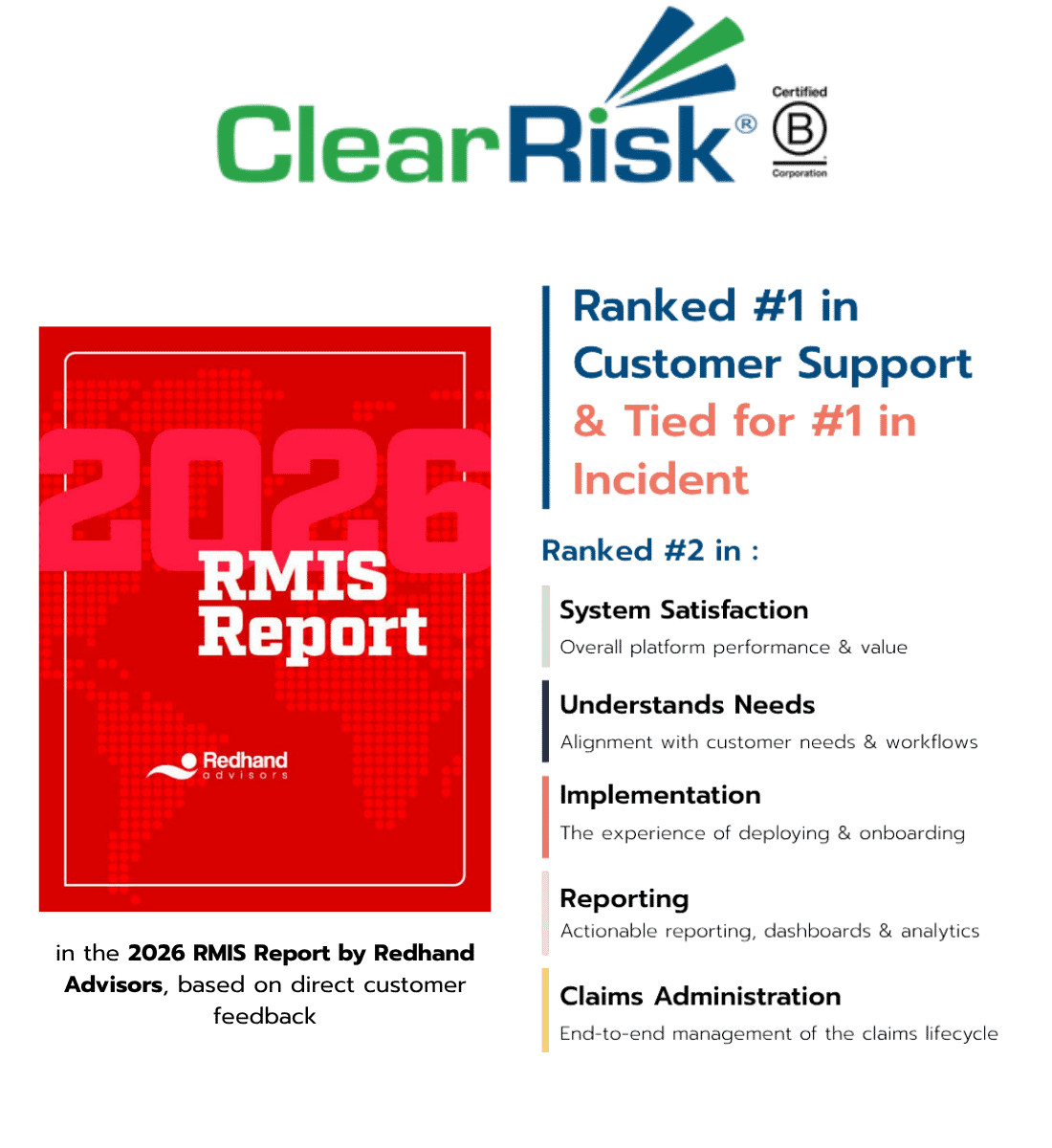
 

RMIS Report For Solutions pages

Request a Demo

What is Claims Management Software.

Claims management is the structured process organizations use to report, investigate, evaluate, and resolve incidents that may lead to financial loss, insurance claims, or legal liability. It ensures that every claim is documented, assessed fairly, and handled in a way that minimizes risk while maintaining transparency and compliance.


Request a Demo
Claims management software from ClearRisk on a computer screen

How Incident Intake Webforms Work.

ClearRisk’s incident intake webforms enable real-time incident reporting by staff or the general public through mobile and desktop friendly, centralized forms. When an incident occurs, employees or third parties can submit details immediately using a simple, intuitive interface designed for ease of use. Required fields and logic-driven form structures ensure that all critical information is captured correctly at the time of submission.

Once submitted, the field data plus any submitted file attachments (such as pictures or documents) flows directly into the ClearRisk platform, where it is automatically organized, tracked, and made available for reporting and analysis. The system can trigger workflows, assign follow-ups, and send email notifications to appropriate parties, ensuring incidents are addressed quickly and consistently. By capturing data at the source and eliminating manual re-entry, organizations benefit from faster reporting, improved accuracy, and more reliable insights, all of which save incredible amounts of time and are proven to reduce the total cost of a claim.

How Claims Management Systems Work.

ClearRisk’s claims management system digitizes and organizes the entire lifecycle of a claim. When an incident occurs, it is reported through a mobile-friendly, centralized, accessible platform where key details, documentation, photos, and witness statements can be captured immediately. The system then routes the claim through predefined workflows, assigning investigators, integrating with TPAs, tracking communications, documenting evidence, and providing real-time status updates.

ClearRisk’s claims management system also provides analytics and automated notifications, allowing organizations to identify trends, reduce claim resolution time, control costs, and improve overall risk management.

How Does ClearRisk Claims Management Stack Up Versus Spreadsheets?


With Spreadsheets


With ClearRisk

Incidents are reported via email, paper, or phone and manually entered later.

Incident Reporting

Web and mobile forms capture incidents instantly at the source.

Missing information, errors, duplicates, and version control issues.

Data Entry & Tracking

Centralized, logic-driven forms prevent errors and duplication.

Reports take hours to create relying on multiple static data sources.

Reporting & Dashboards

Real-time dashboards and one-click “out of the box” reports ensure accuracy.

Decisions rely on incomplete and outdated information.

Strategic Planning

Analytics and quantifiable insights support proactive, data-driven decisions.

How does ClearRisk Claims Management stack up versus spreadsheets?


With Spreadsheets


With ClearRisk

Claims are recorded and require manual updates causing delays.

Claims Management

Claims managed in a cloud based platform with timelines and alerts.

Missing information, errors, duplicates, and version control issues.

Data Entry & Tracking

Centralized, logic-driven forms prevent errors and duplication.

Reports take hours to create relying on multiple static data sources.

Reporting & Dashboards

Real-time dashboards and one-click reports ensure accuracy.

Decisions rely on incomplete and outdated information.

Strategic Planning

Analytics and insights support proactive, data-driven decisions.

Challenges with Manual Systems:

5-Apr-21-2026-11-43-06-4912-AM

Limited Visibility

As a risk manager, relying on spreadsheets makes it difficult to track incidents in real-time and maintain a clear, complete picture of what is happening across your organization.

6-Apr-21-2026-11-43-06-4907-AM

Manual Processes

Time is spent collecting, entering, and verifying incident data from multiple sources, commonly involving back and forth with staff and third parties, increasing administrative burden and the risk of errors.

7-Apr-21-2026-11-43-06-5388-AM

Process Delays & Inefficiencies

When incident information is not captured immediately, delays can impact follow-up actions, investigations, overall decision-making, and can have a significant impact on the cost of a claim.

Our System:

Untitled design (4)-Jun-10-2026-01-49-29-3072-PM

Online Incident Intake

Employees and third parties can submit incidents from anywhere, at any time, using mobile-friendly, intuitive forms designed for ease of use.

2-Apr-21-2026-11-43-06-5286-AM

Automated Workflows & Notifications

Trigger follow-ups, assign tasks, and send alerts automatically once a form is submitted, improving response time.

3-Apr-21-2026-11-43-06-5254-AM

Centralized Data Management

All submitted incident data flows directly into one secure, cloud-based system for easy access, tracking, and collaboration.

4-Apr-21-2026-11-43-06-5650-AM

Custom Reporting & Analytics

Select from ClearRisk’s robust pre-built reports library or build custom reports to uncover trends, identify root causes, and make informed, proactive risk decisions.

Challenges with Manual Systems:

5-Apr-21-2026-11-43-06-4912-AM

Lack of Risk Visibility

As a Claims Manager, spreadsheets make it difficult to identify where you have the most risk exposure, limiting your ability to proactively reduce claims.

6-Apr-21-2026-11-43-06-4907-AM

Manual Workflows

Because of the labour intensive processes, much of your day is dedicated to manual data entry and report building, instead of being focused on site visits, safety initiatives, and making informed decisions.

7-Apr-21-2026-11-43-06-5388-AM

Process Delays & Inefficiencies

Without a cloud-based option, collaboration is non-existent meaning moving claims through the system takes weeks or months longer than it should.

Our Solutions:

1-Apr-21-2026-11-42-46-1389-AM

Online Claims Reporting

Staff or 3rd parties can submit claims from anywhere, at any time, using simple, intuitive forms designed for ease of use.

2-Apr-21-2026-11-43-06-5286-AM

Automated Workflows & Email Integration

Email integration enables your inbox to be connected to ClearRisk, while automated workflows trigger notifications, assign tasks, and update statuses based on claim activity.

3-Apr-21-2026-11-43-06-5254-AM

Centralized Data Management

All claim data, documentation, and communication are stored in one secure, cloud-based system for easy access and collaboration, and can be integrated with TPAs, Insurers and internal finance, asset and employee systems

4-Apr-21-2026-11-43-06-5650-AM

Custom Reporting & Analytics

Select from ClearRisk’s robust pre-built reports library or build custom reports to uncover trends, identify root causes, and make informed, proactive risk decisions.

Pricing Info

An easy-to-use, quick-to-implement alternative without the enterprise price tag. Incident Intake Webforms are part of a group of core modules within the ClearRisk platform. To learn more about pricing that scales with your organization click the button below.


Pricing Info

An easy-to-use, quick-to-implement alternative without the enterprise price tag. Claims Management is part of a group of core modules within the ClearRisk platform. To learn more about pricing that scales with your organization click the button below.


Request a Demo